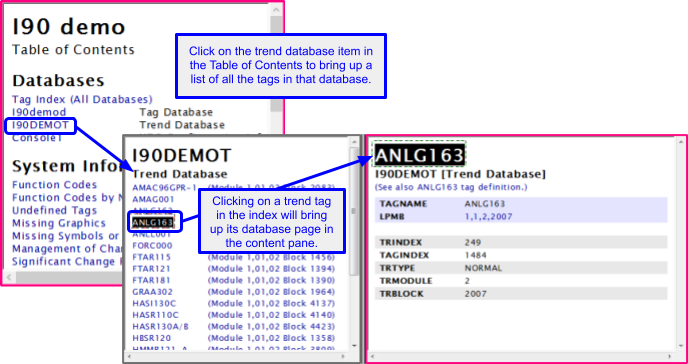
You can view the tags in a Trend Database by clicking on one of the trend database items in the Databases section of the Table of Contents in the index pane. The Trend Database index is a list of all the trend tags referenced in the database. Clicking on any trend tag will then bring up a description of that trend tag as listed in the database.
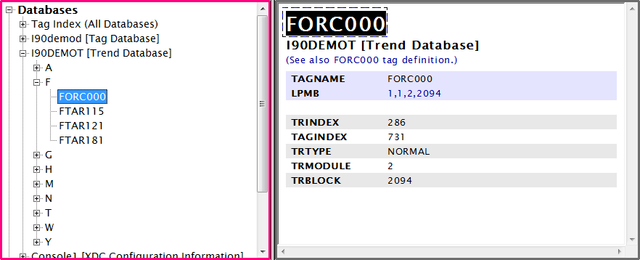
Selecting the Trend Tag FORC000 would look like this in Treeview: