On the Display Settings Menu, click Specs. A panel appears with the options of Specs Hidden, Regular Specs, Layered Specs.
You can also cycle through these options when the menu is not active by repeatedly pressing S.
Spec Display Modes
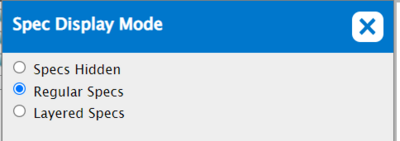
There are three Spec display modes.
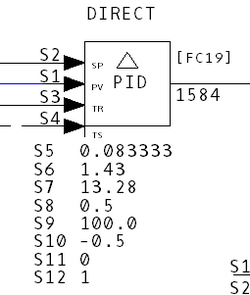
- Regular Specs: Displays Specs for a particular block in plain text.
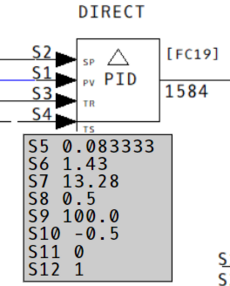
- Layered Specs: Displays Specs for a particular block with a gray background. In layered mode you are also able to drag the Specs anywhere on the drawing.
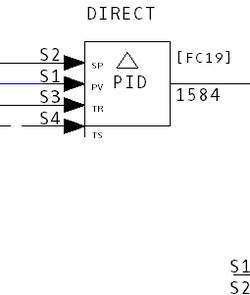
- Specs Hidden: Turns the Specs display off.
See Also
- Showing or hiding tag names and attributes
- Customizing the display
- Guide to Hyperview in a Browser
- Showing or hiding thumbnail images