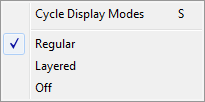
On the View Menu, click Specs. Alternatively, right-click in the content pane and select Specs. Both dropdown menus give the option of Regular, Layered or Off. You can cycle through these options by repeatedly pressing S.
Note that in Layered mode, if you have also enabled Live Specs, live spec values will be fetched and displayed right on the layered spec.
Spec Display Modes
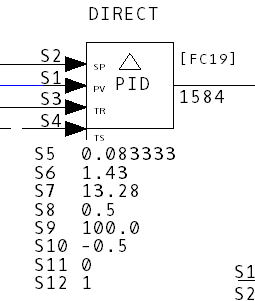
- Regular: Displays Specs for a particular block in plain text.
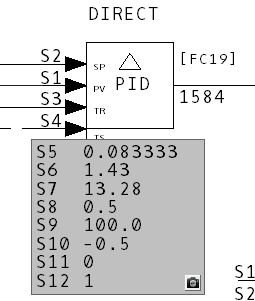
- Layered: Displays Specs for a particular block with a gray background. In layered mode you are also able to drag the Specs anywhere on the drawing.
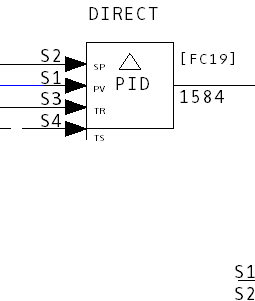
- Off: Turns the Specs display off.
See also
- Showing/hiding tag names and attributes
- Customizing the Browser Display
- Displaying Specs and Attributes / Tag Names